

This guide is part of an evolving series. We're actively developing companion articles on context switching, async communication, and optimal desk setups to help you further optimize your deep work environment.
What is Deep Work for Developers?
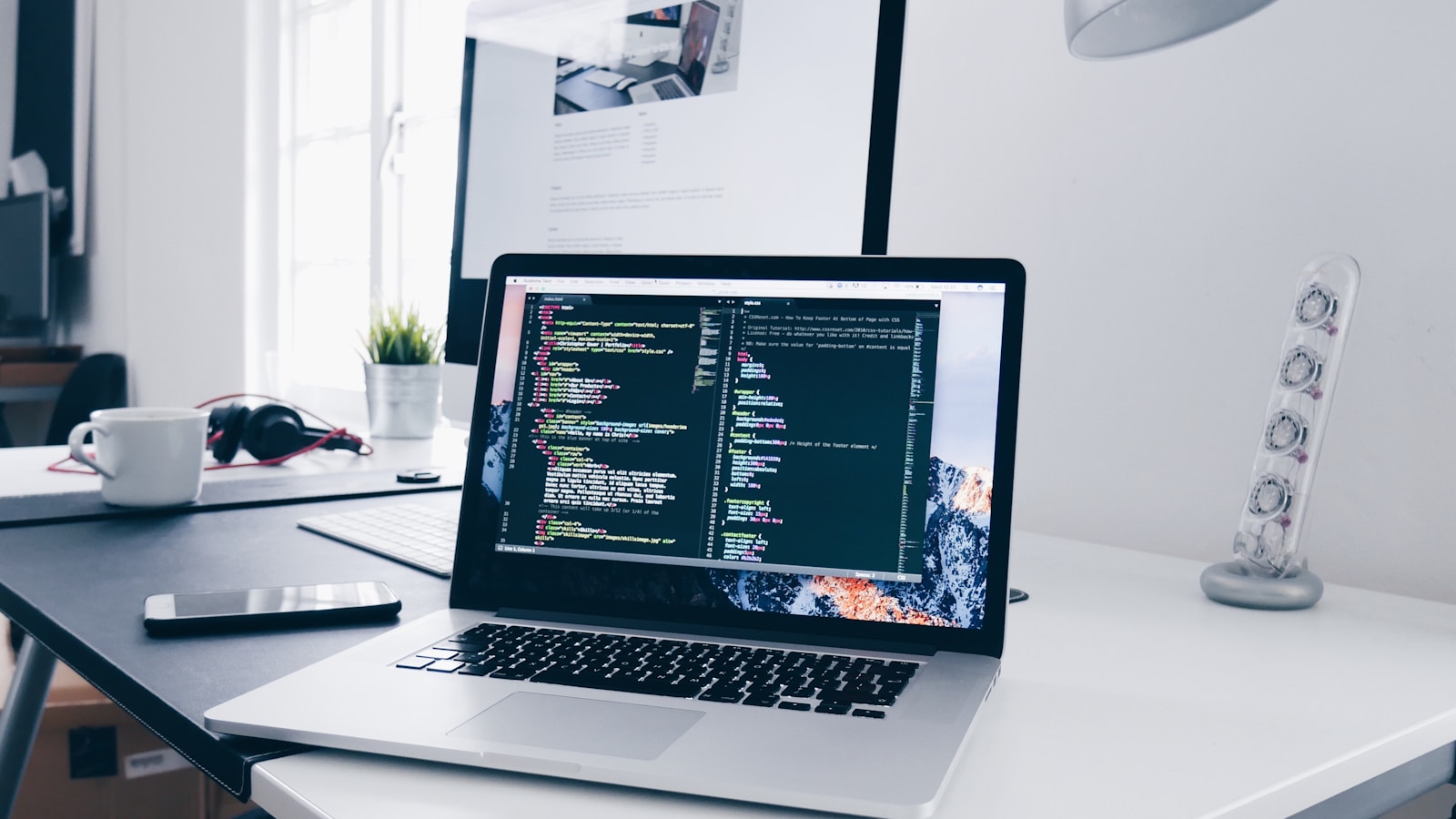
Coined by Cal Newport, Deep Work is the ability to focus without distraction on a cognitively demanding task. It is a skill that allows you to quickly master complicated information and produce better results in less time.
In contrast, Shallow Work is non-cognitively demanding, logistical-style work, often performed while distracted.
| Aspect | Shallow Work | Deep Work |
|---|---|---|
| Cognitive Load | Low (Logistical) | High (Demanding) |
| Value | Easily Replicable | Rare & Valuable |
| Examples | Email, Slack, Status meetings | Debugging race conditions, Refactoring legacy modules, Architecture design |
The Science of Deep Work and Focus
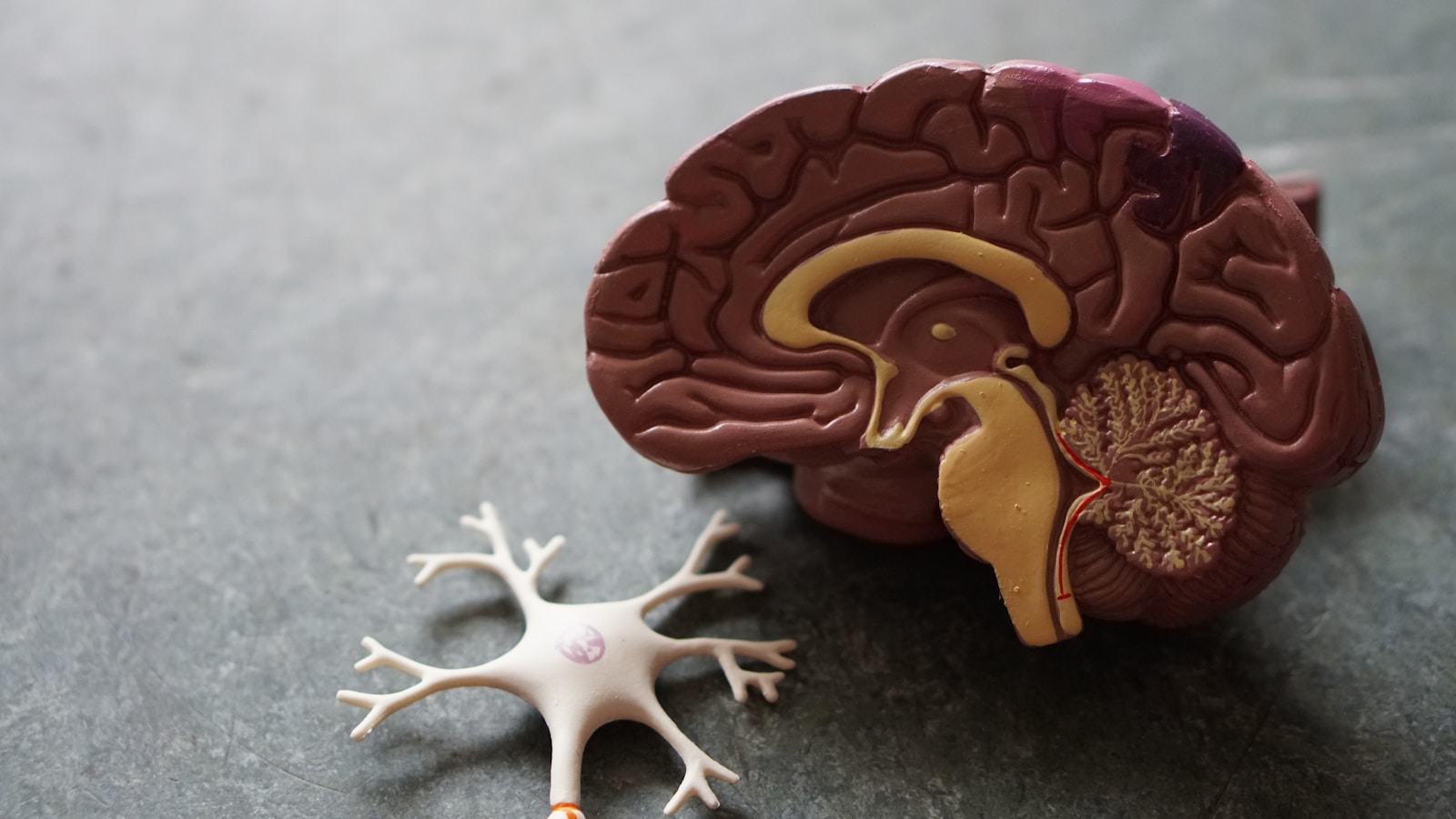
Myelination
When you focus intensely on a specific skill, you're forcing the specific relevant circuit to fire, again and again, in isolation. Intense, focused practice strengthens the neural circuits involved, making tasks feel faster and more automatic. This is why deeply focused practice sessions lead to better skill acquisition than distracted, fragmented learning.
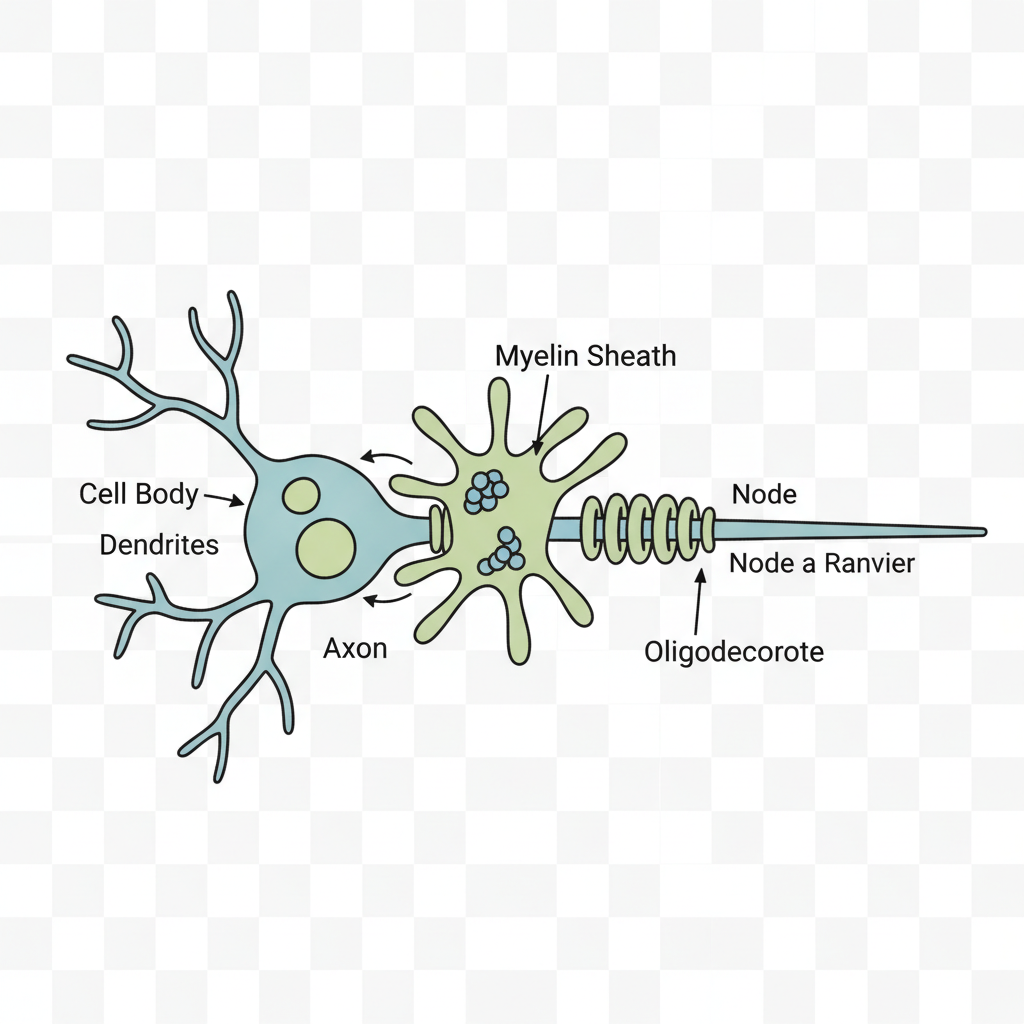
Figure 1: The Oligodendrocyte (center) wraps layers of myelin around the neuron's axon.
As you focus intensely, this biological process thickens the sheath (like adding tape to a leaky pipe), allowing neural signals to travel faster and with less energy loss.
Attention Residue
Sophie Leroy's research introduces the concept of "Attention Residue." When you switch from Task A to Task B, your attention doesn't immediately follow. A residue of your attention remains stuck thinking about the original task.
"People experiencing attention residue after switching tasks are likely to demonstrate poor performance on the next task." – Sophie Leroy
Attention residue can persist for many minutes, reducing performance on the next task. Research suggests this residue can last 20+ minutes. This is why "quick checks" of Slack are deadly – even if the check takes 30 seconds, the cognitive cost lingers far longer.
Flow State
Deep Work is the gateway to Flow – the mental state of operation in which a person performing an activity is fully immersed in a feeling of energized focus. In Flow, time dilates, and output maximizes.
The Super Productivity Deep Work Loop

Knowing the science isn't enough. You need a system. Super Productivity is designed specifically to reduce the friction of entering and maintaining Deep Work.
Plan (Timeboxing)
Use the Schedule Panel in Super Productivity to assign tasks to specific time slots. Don't just list what you'll do; decide when you'll do it. This removes the cognitive load of "what should I do next?" during your work session.
- • Drag & drop tasks into time slots for visual clarity
- • Use estimates vs. actual tracked time for calibration over time
- • Add recurring deep-work blocks to build consistent habits
Focus (Focus Mode)
Hit the Play button. Super Productivity's "Focus Mode" takes over. It shows only the current task, hiding the overwhelming backlog. On supported platforms, Focus Mode can integrate with Do Not Disturb to silence notifications system-wide. This single-task interface is your shield against distraction.
Capture (Interrupt Handling)
Distractions are inevitable. When a thought pops up ("I need to email Bob"), don't switch contexts. Use the system-wide global shortcut to trigger Quick Add – capture the thought instantly and return to your deep work. This works even while debugging or mid-function. Deal with it later, not now.
Reflect (Daily Summary)
At the end of the day, review your data. How much time did you actually spend in Deep Work? Super Productivity provides:
- • Total deep-work duration for the day
- • Per-project breakdown to see where your focus went
- • Day-by-day insights to spot trends and improve over time
Scheduling Philosophies
How do you fit Deep Work into a busy schedule? Choose your fighter:
Rhythmic Philosophy
Best for: Most office workers.
Create a simple, regular habit. E.g., "I code from 9am to 11am every single day." The consistency removes the need to decide.
In Super Productivity: Create a recurring daily 09:00–11:00 deep-work block in your schedule.
Bimodal Philosophy
Best for: Seniors / Academics.
Divide your time into clear, long stretches. E.g., 4 days of deep coding, 1 day of meetings/admin. Or mornings deep, afternoons shallow.
In Super Productivity: Block mornings for feature work, afternoons for code reviews and meetings.
Journalistic Philosophy
Best for: Managers, parents, on-call engineers.
Fit deep work in whenever you can. "I have 30 minutes before this meeting, I will go deep now." Best for roles with unavoidable interruptions.
In Super Productivity: Drag tasks into any sudden 25–45 minute slot in your calendar when they appear.
Common Killers of Deep Work

Slack / Teams
The expectation of instant response is the enemy of depth. Every notification creates a micro-interruption, and even if you don't respond immediately, the knowledge that messages are piling up creates background anxiety. For developers, this is especially deadly during complex debugging sessions or when holding intricate architectural models in memory.
Open Offices
Visual and auditory distractions keep you in a state of continuous partial attention. The movement in your peripheral vision, conversations about yesterday's standup, or random CI failure alerts all compete for your working memory. This makes it nearly impossible to maintain the mental models required for refactoring legacy code or debugging race conditions.
Procrastination
Often a symptom of a task being too vague or overwhelming. "Implement authentication" feels insurmountable. "Write test for login validation" is concrete. Break tasks down until the first step is trivial enough that you can't say no. Drive-by review requests and vague incident response tasks fall into this trap – clarify scope before diving in.
The Deep Work Stack for Software Engineers
Equip yourself for success with the right tools and practices.
- ✓Task Management: Super Productivity (Local-first, Time-tracking built-in).
- ✓Async Communication Layer: Use issues, docs, and threaded discussions for non-urgent topics instead of Slack. Reserve chat for time-sensitive coordination only.
- ✓Environment: Noise-canceling headphones, physical "Do Not Disturb" signs, and focus-friendly workspace setup.
- ✓Blocking: Website blockers (e.g., Cold Turkey, Freedom) to lock you out of social media during deep work blocks.
- ✓Rituals Layer: Weekly review of deep-work metrics in Super Productivity. Track trends, identify blockers, and adjust your scheduling philosophy as needed.
Frequently Asked Questions About Deep Work
How long should a deep work session be?
For most developers, 60-90 minutes is optimal. Beginners should start with 25-45 minute sessions and gradually increase. The key is focused, uninterrupted time – quality over quantity.
Can I do deep work with interruptions?
True deep work requires zero interruptions. Even "quick checks" of Slack create attention residue that degrades your focus for 20+ minutes. Use Do Not Disturb, close communication apps, and batch interruptions for designated shallow work periods.
How many hours of deep work per day is realistic?
Most knowledge workers max out at 3-4 hours per day. Elite performers in cognitively demanding fields rarely exceed 4-5 hours. Deep work is exhausting – it's not sustainable for 8+ hours daily. Treat it as your most valuable currency and spend it wisely.
What if my job requires me to be responsive on Slack?
Negotiate explicit deep work blocks with your team. Communicate your schedule: "I'm unreachable 9-11am for deep work, but I'll respond to everything by noon." Most teams will respect this once you demonstrate the productivity gains. For on-call engineers, consider the Journalistic philosophy and use Super Productivity's Quick Add to capture urgent items without context switching.
Is deep work only for coding?
No. Deep work applies to any cognitively demanding task: architecture design, incident investigation, technical writing, complex debugging, code reviews, or learning new frameworks. If it requires holding complex information in working memory, it benefits from deep work principles.
How does Super Productivity help with deep work specifically?
Super Productivity is built around the deep work loop: timeboxing with the Schedule Panel, single-task focus with Focus Mode, global Quick Add for interrupt handling, and detailed metrics in the Daily Summary. It removes the friction between intention and execution.
Ready to go Deep?
Start your first 60-minute block in Super Productivity today.
Download Super Productivity Learn more
About the Author
Johannes is the creator of Super Productivity. As a developer himself, he built the tool he needed to manage complex projects and maintain flow state. He writes about productivity, open source, and developer wellbeing.