

What is Time Boxing for Productivity?
Time Boxing is the act of moving tasks out of the abstract and into the concrete. Instead of working on a task until it's done, you commit to working on it for a specific amount of time. It transforms a to-do list from a wish list into a production schedule.

| Feature | Time Blocking | Time Boxing |
|---|---|---|
| Focus | Category of work | Specific Output |
| Example | "Deep Work 9-11" | "Write API Docs 9:00-9:45" |
| Mindset | Protection | Execution |
Difference between blocking time and boxing time.
The Science: Why It Works
Parkinson's Law
"Work expands to fill the time available for its completion."

If you give yourself all day to write a report, it will take all day. If you give yourself 2 hours, you will likely finish it in 2 hours. Time Boxing forces you to set strict constraints, which eliminates the "flaw of averages" in our mental estimation.
By setting a hard stop, you force your brain to focus on the essential. It creates a synthetic sense of urgency that triggers high performance.
Deep Dive: Learn more about the psychology behind focus in our article on The Psychology of Work.
How to Time Box Your Day

- Brain Dump (Capture): Get everything out of your head and onto a list. Don't filter yet.
- Selection (Prioritize Top 3): Pick the 3 tasks that would make today a success.
- Estimation (Be Realistic): Assign a time estimate to each task. Multiply by 1.5x if you're unsure.
- Tetris (Schedule It): Slot these tasks into your calendar like Tetris blocks.
- Execution (Timer): Start a timer. Work until it rings. No excuses.
✓ Your First Session Checklist
A Developer's Time Boxed Schedule
Here is what a realistic time-boxed day looks like for a software engineer.
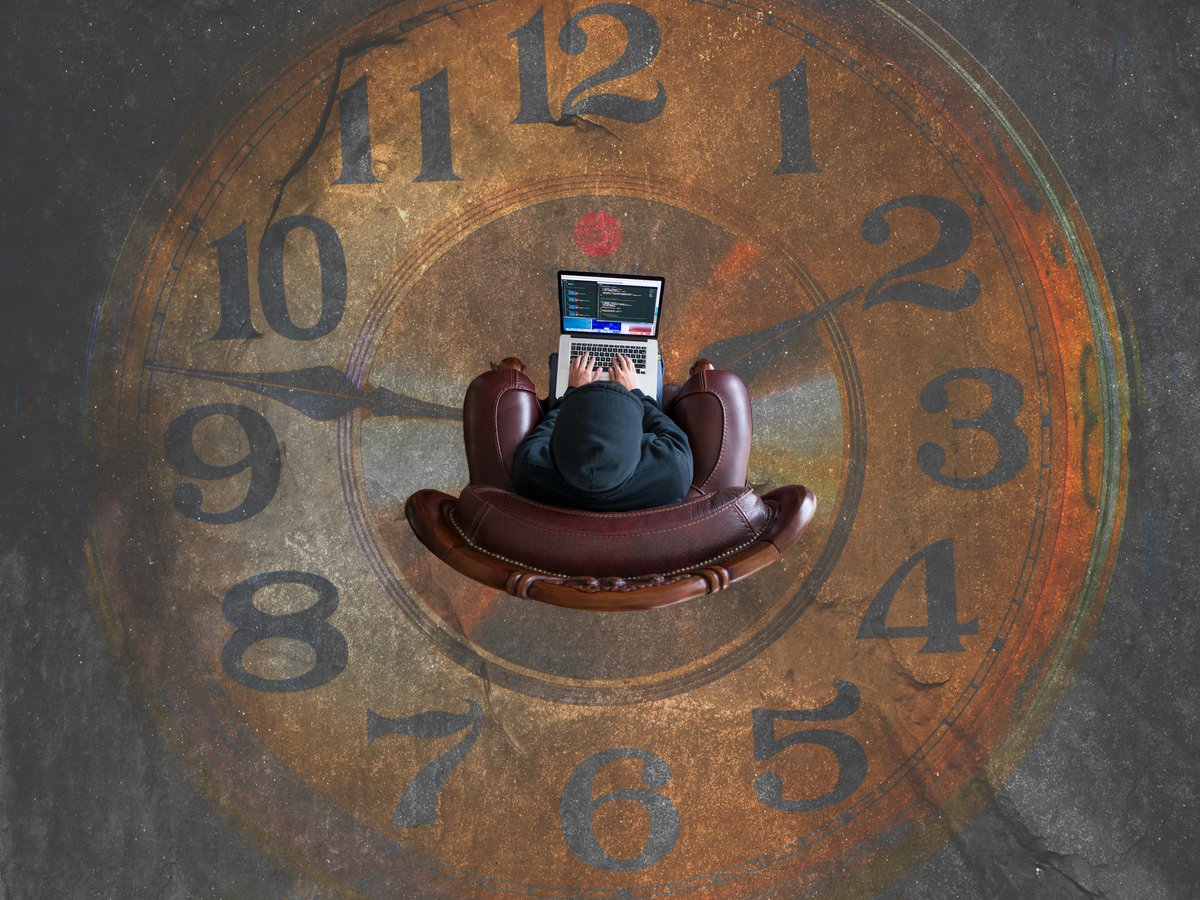
Deep focus mode in action.
09:00 - 09:15
Admin
Email Triage & Standup Prep. Clear the decks.
09:15 - 10:45
Deep Work
Feature X Implementation. No Slack, no email. Pure code.
10:45 - 11:00
Refresh
Walk away from the screen. Coffee. Stretch.
11:00 - 12:00
Collab
Code Review & PRs. Unblock others.
Time Boxing for ADHD & Focus
For neurodivergent brains, rigid schedules can feel suffocating. The secret is "Soft Boxing" – creating structure that bends but doesn't break.
- 1 Visual Timers: Time blindness is real. Use a physical timer or an app that shows time passing visually (like a pie chart).
- 2 The 15m Buffer: Never schedule boxes back-to-back. Always leave 15 minutes for context switching and "human error".
- 3 The Panic Box: Leave 4:00 PM - 5:00 PM completely empty. This is your safety net for the unexpected fire drills.
Read more: Strategies for ADHD Productivity
Why Calendars Fail at Time Boxing
Standard calendars are great for appointments but terrible for tasks. They don't track "Estimated vs Actual" time, and rescheduling a missed task is a manual nightmare.
Meet Super Productivity
We built Super Productivity to combine the structure of a calendar with the focus of a timer. It's the missing link for effective Time Boxing.
Drag & Drop Planning
Easily move tasks into time slots.
Privacy First
Your data stays on your device. Always.
Jira & GitHub
Sync tasks directly from your tools.
Frequently Asked Questions
Is Time Boxing the same as Pomodoro?
No. Pomodoro is a work/break cycle (usually 25m/5m). Time Boxing is a scheduling method. They work best together: Box a 2-hour slot for "Coding", then run 4 Pomodoros inside that box.
Can this work for teams?
Yes, but it requires synchronization. Teams should agree on "Deep Work" hours where everyone time boxes their individual tasks, and "Collaboration Hours" for meetings and quick syncs.
What if I get interrupted?
The "Soft Boxing" method handles this via buffers. If an interruption takes 15 minutes, you eat into your buffer, not your next task. If it's longer, you use your "Panic Box" or reschedule.
