

Connect Your Workflow
Integrations Built for Builders
Pull issues from GitHub, GitLab, Jira, and Gitea, keep CalDAV calendars in sync, and run everything offline-first so your data never leaves your devices.

Our Integrations Built for Builders mantra is about letting developers connect Jira, GitHub, GitLab, and self-hosted stacks without shipping their data through mystery servers. Plug the tools you already live in, keep everything auditable, and decide exactly when each sync runs.
Privacy-first automation
An integration philosophy shaped by indie developers
Every connector follows the same local-first model: minimal scopes, auditable code, and no surprise background services.
Integrations in Super Productivity are designed to feel invisible: they pull context in when you ask for it and stay out of the way when you need deep work. Because the desktop app is fully offline-capable, sync jobs only run when you open the workspace, and they do so using the official APIs of each provider. That means no middleware servers, no telemetry, and complete control over the scopes you grant.
The same philosophy applies whether you are connecting Jira for sprint planning, CalDAV calendars for timeboxing, or a self-hosted Gitea for client work. Tokens live inside the operating-system keychain, the code is MIT-licensed, and the community regularly reviews every connector. If you prefer to keep things simple, just toggle the integrations you need and keep the rest of your workflow distraction-free.
Local API calls
Tokens are stored in your OS keychain and all sync traffic goes straight from your device to the service.
Selective scopes
Grant access per project, repo, or calendar and pause connectors any time you need to go fully offline.
Open-source guardrails
Every integration is inspectable on GitHub, making security reviews and contributions fast.
Integration directory
Logos, links, and quick summaries
Each integration below uses official APIs, includes one-click authentication helpers, and links directly to the setup instructions in our GitHub documentation so you can get productive in minutes.
GitHub
Mirror issues, pull requests, and labels directly in Super Productivity without leaving your keyboard.
View setup guideGitLab
Sync GitLab issues and time tracking so engineering and project billing stay perfectly aligned.
View setup guideJira Cloud & Data Center
Pull sprints and epics into focused lists, then push status changes back to Jira in one click.
View setup guideGitea & Forgejo
Connect to self-hosted code forges securely–tokens never leave your machine or hit third-party servers.
View setup guideCalDAV & Google Calendar
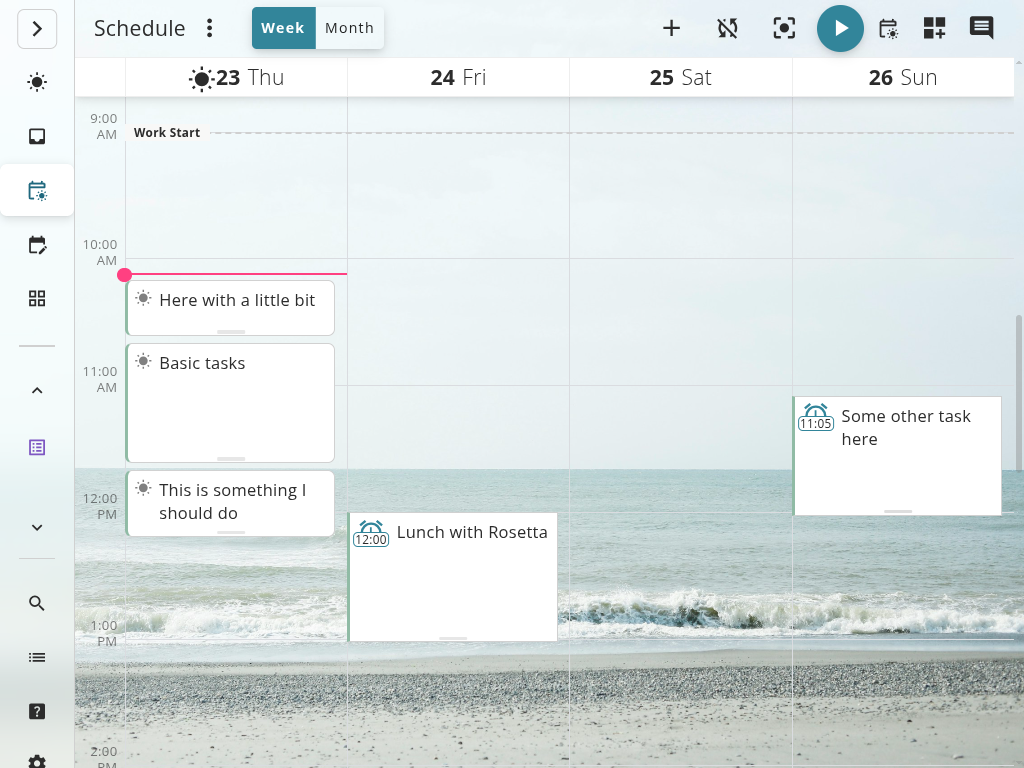
Overlay events with timeboxed tasks so deep work blocks never clash with meetings again.
View setup guidePlugin & REST API
Extend workflows with custom providers, webhooks, or CLIs tailored to your team’s stack.
View setup guideIssue Providers
Live Sync With Your Source of Truth
Reuse the same local-first experience already powering the developer guides.
Live Issue Sync
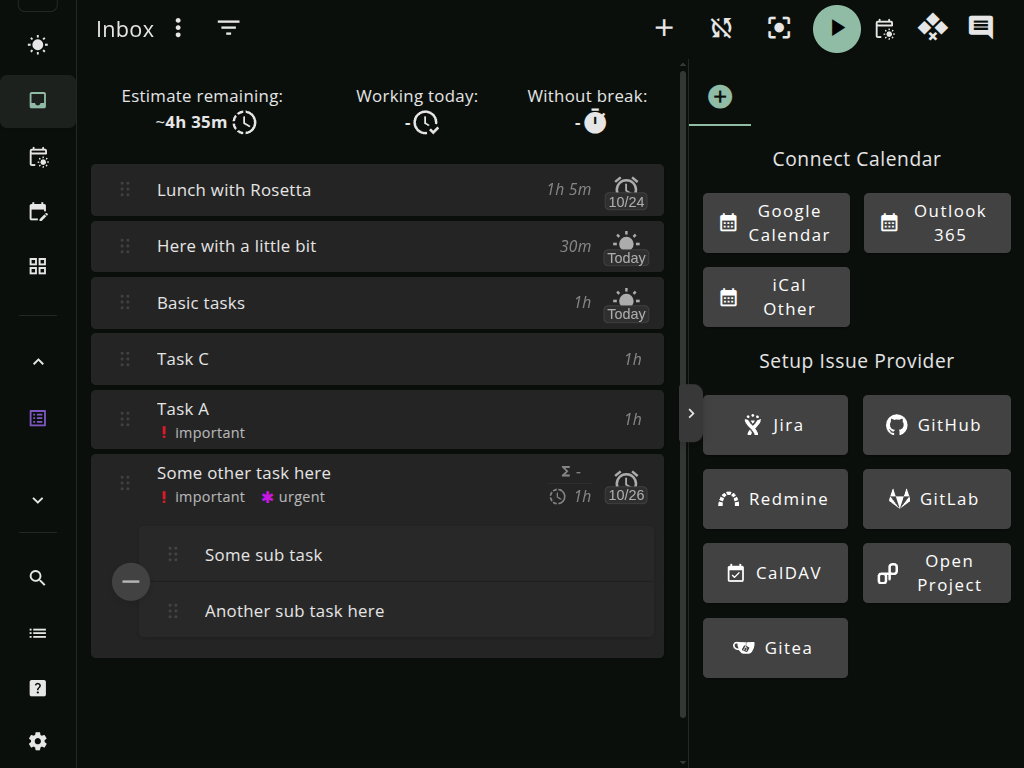
GitHub issues, Jira tickets, and GitLab issues appear instantly in your task list.
Automatic Time Attribution
Time automatically links to the right issue/ticket. Perfect for client billing or retrospectives.
Keyboard-First Commands
Create, search, and link issues without leaving the keyboard. Built for developer velocity.
Featured Integrations
Each integration inherits privacy defaults from the desktop app.
GitHub & GitLab
Sync issues, pull requests, and labels. Link tracked time back to commits.
Jira
Keep sprint tickets updated locally. Transition statuses without leaving the app.
CalDAV & Google Calendar
Mirror events inside the scheduler so timeboxing never collides with meetings.
Gitea
Self-hosted Git service integration. Connect your on-premise Gitea instances.
Self-Hosted Instances
Connect to your own GitLab, Jira, or Gitea servers. All credentials stay on your device.
Integrations FAQ
Get confident before you connect your stack.
How do integrations work?
Super Productivity connects directly from the desktop app to each service’s official API. Auth tokens stay on your machine, requests are routed straight from your device, and every connector respects the same offline-first, telemetry-free defaults as the core app. Once a token is granted, the issue provider keeps tasks, subtasks, and spent time in sync so you can work locally even if the remote service is temporarily unreachable.
Can I add my own integration?
Yes. The app exposes a documented plugin system, so you can write adapters for internal tools, time trackers, or project hubs. Start from the example plugins in the GitHub repository, point them at your API, and ship them privately or back to the community. Because everything is open source, you can audit exactly how data flows before rolling a connector to your team.
Ready to connect your workflow?
Join thousands of developers who trust Super Productivity with their deep work. Free forever, open source, and privacy-first.