

The Open Loop Problem: Why Your Brain Needs a GTD Inbox
Every uncaptured thought drains mental energy. Learn the psychology behind GTD's capture step and how to build an inbox system you actually trust.
Getting Things Done — Stress-Free Productivity
Capture every open loop, clarify next actions, and trust your system — with an offline-first GTD app that keeps your data local and your mind clear. No account needed. Free forever.
GTD With the App
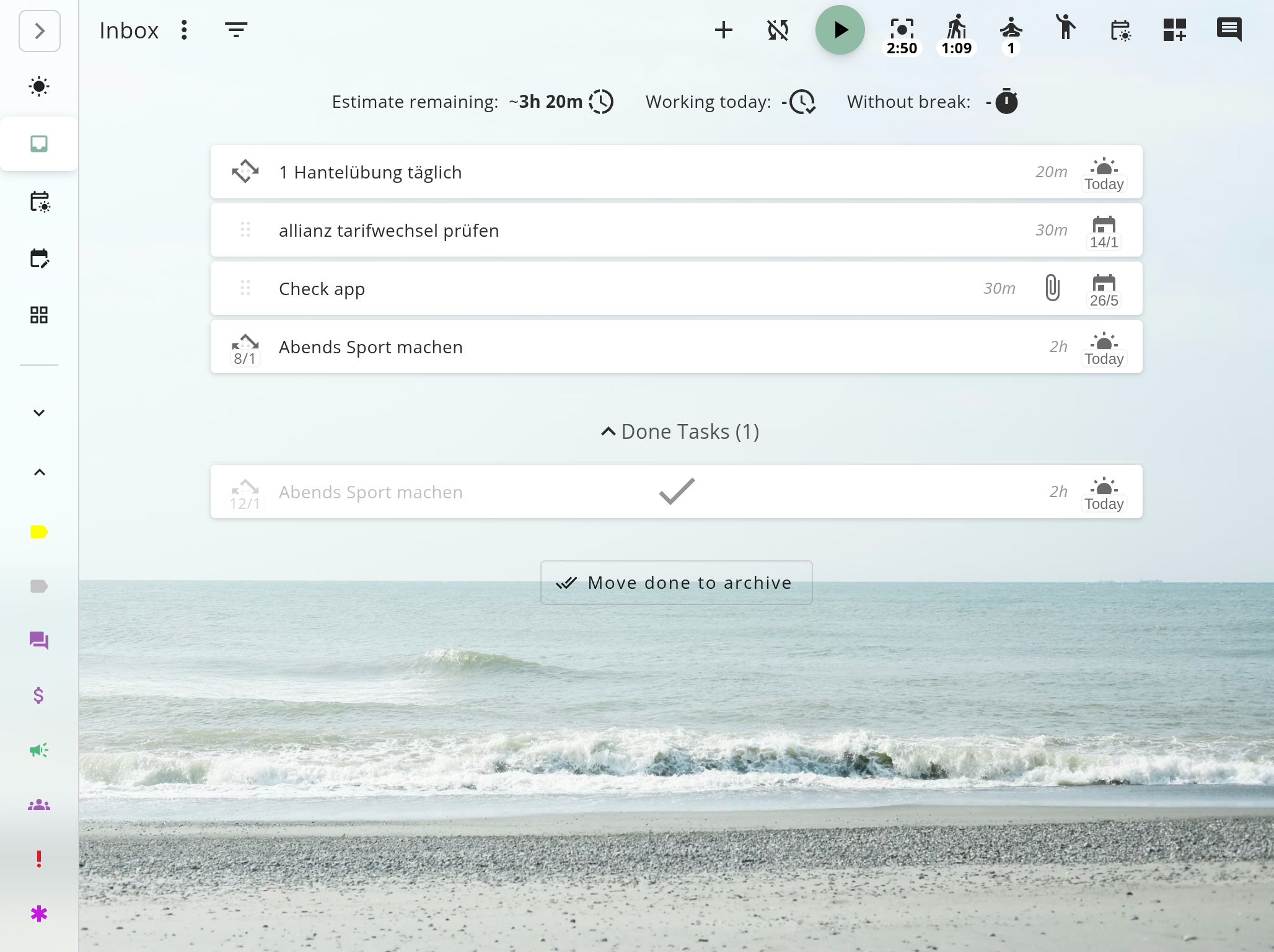
Here's how the GTD workflow plays out inside the app: capture, clarify, organize, reflect, and engage. Need the full framework? Read the Getting Things Done guide.
Open loops, ideas, tasks — dump them all into your backlog. Quick-add is always one click away, so nothing falls through the cracks.
Turn vague stuff into concrete next actions. Assign projects, set contexts, and decide what's actually doable.
The weekly review keeps your system current. Day-to-day, just pick the next action and go — your system has the rest covered.
Use this page to see how the GTD app workflow works — features, inbox processing, and project management. Use the GTD guide for the science, history, and five-step framework behind Getting Things Done.
Capture Without Friction
Stop holding tasks in your head. Capture every open loop instantly and process it when you're ready.
David Allen's first step: get it out of your head. Super Productivity makes capture effortless and processing systematic — so your inbox stays at zero and your mind stays clear.
Quick Capture
Add tasks from anywhere in the app. Keyboard shortcut gets you to inbox instantly.
Open Loop Tracking
Every uncaptured thought becomes a task. Nothing stays in your head.
Clarify in Place
Work through backlog items: define the next action, assign a project, or trash it.
Integrations Pull In Work
Jira, GitHub, GitLab issues sync into your task list automatically. One system for everything.
Everything you need to capture, clarify, organize, reflect, and engage
Inbox & Capture
Use the backlog as your GTD inbox. Collect open loops, process to zero, then forget about it.
Projects & Sub-tasks
Multi-step outcomes become projects with trackable next actions. See progress at a glance.
Tags as Contexts
Use tags for GTD contexts (@deep-work, @email, @errands) or energy-based filters.
Next Action Lists
Filter by context to see only what you can do right now. No scanning, no deciding.
Time Tracking
Know how long things actually take. Build estimates you can trust for future planning.
Offline & Local-First
Your GTD system works without internet. Data stays on your device. No vendor lock-in.
Success Stories
“Tried a dozen GTD apps. Most were either too rigid or too bare-bones. This one lets me set up my own contexts, process my backlog the way I want, and doesn't lock me into a paid plan.”
David Park
Engineering Lead
“Finally a task manager I actually trust. Everything lives on my machine — no monthly fee hanging over me, no sync surprises. I just open it and start working.”
Ana Kovacs
Freelance Designer
“The Jira integration is what sold me. Work tickets land right in my task list, so I have one place for everything instead of bouncing between three tools.”
James Okonkwo
Senior Developer
Stay in Control
The weekly review is where GTD lives or dies. Super Productivity makes it painless.
A GTD system you don't review is a GTD system you don't trust. Super Productivity gives you the worklog, project views, and backlog to run a complete weekly review — so you stay in control.
Weekly Review Ready
Review all projects and their next actions across your project views.
Worklog & Metrics
Review what you actually accomplished. Data replaces guesswork.
Backlog Management
Use the backlog to park someday/maybe items. They stay visible during reviews but out of your active lists.
FAQs
Clear answers about how Getting Things Done works in Super Productivity.
GTD is a productivity method by David Allen built on five steps: capture, clarify, organize, reflect, and engage. You collect everything that has your attention, decide what each item means, organize into projects and contexts, reflect regularly, and engage with confidence. Super Productivity is free, open-source GTD software that gives you the tools for each step.
The backlog acts as your inbox for capture. You process items into projects with next actions, use tags for contexts, and track progress with the worklog. It's flexible — use as much or as little GTD structure as you want.
No. Super Productivity works for any workflow. GTD users get inbox processing, projects, and contexts. Others get a powerful task manager. Use what helps you.
Yes. View all projects and their next actions, check your worklog for the past week, and process any new inbox items. The app surfaces everything you need — no separate spreadsheet required.
Use tags as contexts. Create tags like @deep-work, @email, @errands, then filter your task list by context to see only relevant actions.
Yes. Issues from these platforms sync into your task list, so external work enters your GTD system automatically.
Yes. Super Productivity is offline-first. Your data stays on your device by default. Optional sync is available if you want it.
Yes. Super Productivity is completely free and open-source. There are no premium tiers, no feature limits, and no account required. Every GTD feature — inbox, projects, contexts, time tracking, integrations — is included at no cost.
Super Productivity is available for Windows, macOS, Linux, Android, and iOS. There is also a web app you can use in any browser. Your GTD system works everywhere you do.
Yes. While the app is offline-first by default, you can optionally sync your data across devices using Dropbox, WebDAV, or a local file sync provider (works with any cloud folder). Your data, your choice.
Most GTD apps are either paid subscriptions or too simple to handle real workflows. Super Productivity is free, open-source, and offline-first — so there's no vendor lock-in and no monthly fee. It also integrates with Jira, GitHub, and GitLab, which most GTD tools don't.
Stop carrying everything in your head. Capture, clarify, organize, reflect, and engage — stress-free. Free forever. Open source. Your data stays local.
Every uncaptured thought drains mental energy. Learn the psychology behind GTD's capture step and how to build an inbox system you actually trust.
The Weekly Review is where GTD lives or dies. Learn the psychology behind why this ritual matters, the 6-step process to execute it well, and how to make it stick.
Turn vague tasks into concrete actions. Learn how GTD's "next action" question transforms overwhelming projects into clear, achievable steps.
Traditional GTD contexts fail for remote developers when everything happens @computer. Learn energy-based contexts that actually help you choose the right task at the right time.
Most tasks on your list aren't tasks at all – they're projects in disguise. Learn how GTD's project thinking turns overwhelming goals into manageable next actions.