

· Johannes Millan · 8 min read
Best Local-First To-Do Apps in 2026
The best local-first to-do apps in 2026 are Super Productivity, Obsidian Tasks, Taskwarrior, Joplin, Logseq, todo.txt, and Planify. They all let you work without a permanent cloud dependency, but they solve different problems: daily execution, note-linked tasks, command-line workflows, plain-text lists, or Linux desktop planning.
This guide focuses on tools where your tasks are useful even when the network is gone. If you want a broader open-source comparison that includes server-first tools like Vikunja and Nextcloud Tasks, see our best open-source task managers comparison. If you are leaving a mainstream SaaS task manager, start with our private alternatives to Todoist, TickTick, Notion, and Microsoft To Do.
What “local-first” means here
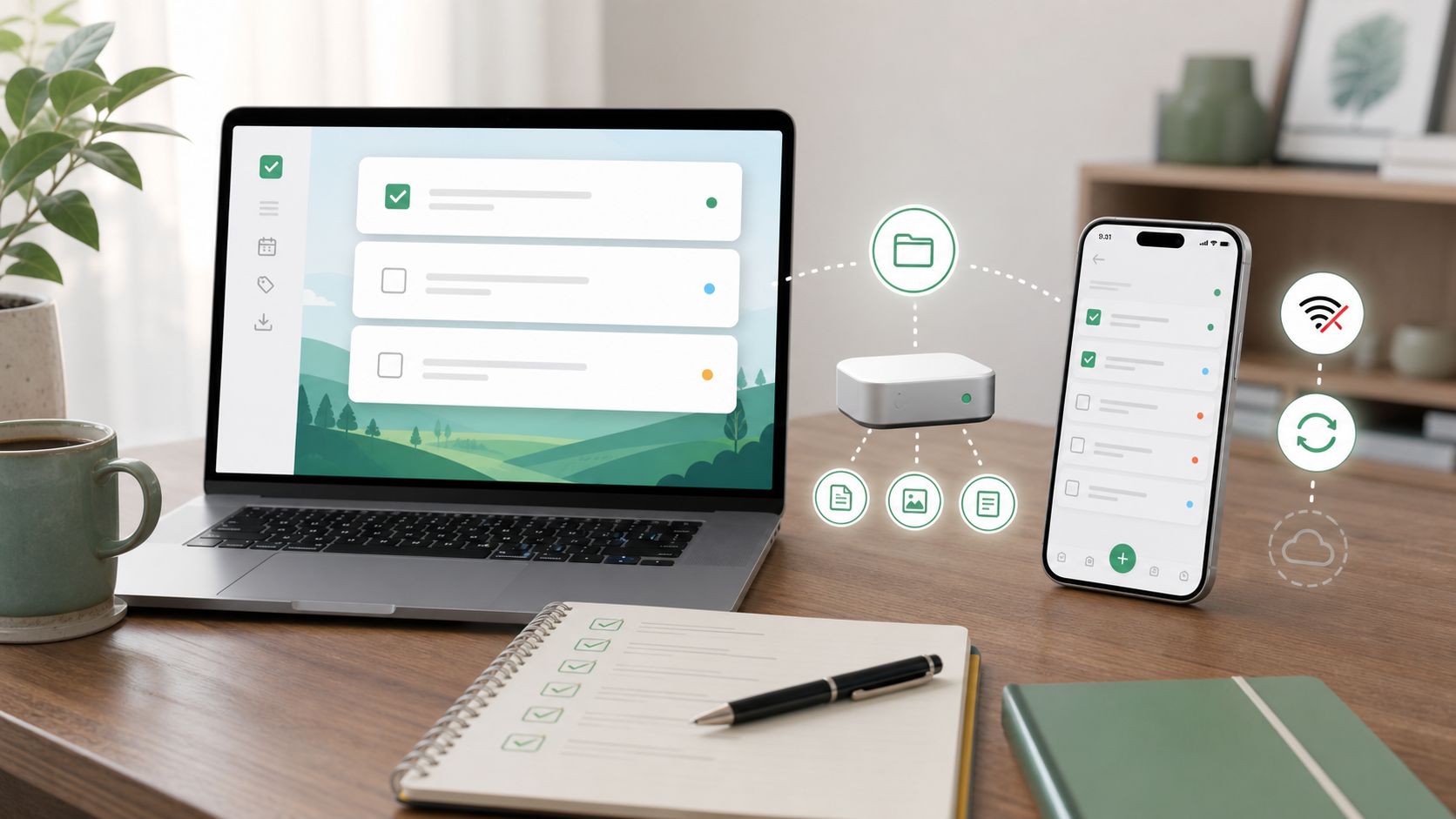
Local-first is stronger than “has offline mode.”
A local-first to-do app should:
- Keep the primary working copy on your device.
- Let you create, edit, and complete tasks without a server.
- Make sync optional, replaceable, or user-controlled.
- Avoid mandatory accounts for basic personal task management.
- Export your data in a usable format.
Self-hosted tools are valuable, but they are not automatically local-first. If the server is the source of truth and the client is only a cache, that is a self-hosted SaaS pattern, not a local-first pattern.
Quick comparison
| App | Best for | Data model | Open source | Built-in time tracking | Main trade-off |
|---|---|---|---|---|---|
| Super Productivity | Deep work, developers, freelancers | Local app data with optional sync | Yes, MIT | Yes | Rich feature set takes a little setup |
| Obsidian Tasks | Markdown notes plus tasks | Local Markdown vault | Plugin yes; Obsidian app no | Via plugins | Requires Obsidian and query setup |
| Taskwarrior | Terminal-first task management | Local task database with JSON export | Yes, MIT | Pair with Timewarrior | CLI learning curve |
| Joplin | Notes and lightweight to-dos | Offline-first local app data | Yes, AGPL-3.0-or-later ¹ | No | Tasks are secondary to notes |
| Logseq | Outliner and journal-based planning | Local Markdown/Org files | Yes, AGPL | Via plugins/workflows | Not a conventional task manager |
| todo.txt | Future-proof plain-text lists | Plain text files | Format open; CLI GPL | No | Minimal by design |
| Planify | Native Linux desktop tasks | Local app data with optional sync | Yes, GPL-3.0 | No | Linux-focused |
¹ Joplin Server uses a separate Personal Use License for server code.
1. Super Productivity
Best for: people who want task management, time tracking, Pomodoro, calendar planning, and developer integrations in one local-first app.
Super Productivity is the strongest local-first choice when your to-do list is also your work execution system. Tasks, notes, estimates, subtasks, timers, Pomodoro sessions, and daily plans live together. The app works offline by default, does not require an account, and does not collect telemetry.
Where it stands out:
- Tasks, notes, time tracking, Pomodoro, and timeboxing in one workspace.
- Native Jira, GitHub, GitLab, Gitea, OpenProject, and other issue integrations.
- Optional sync through WebDAV, Dropbox, local file sync, or Super Sync with optional encryption.
- Cross-platform support across Windows, macOS, Linux, Android, iOS, and web.
- REST API, plugin system, automations plugin, and MCP plugins for advanced workflows.
Choose Super Productivity if your task manager needs to answer: “What am I doing now, how long did it take, and which issue/client/project does that time belong to?”
The catch: it is more capable than a simple checklist. If you only want a text file with five chores, it may be more tool than you need.
2. Obsidian Tasks
Best for: people who already live in Obsidian and want tasks embedded in their notes.
Obsidian stores notes as local files, and the Tasks plugin turns Markdown checkboxes into a queryable task system. You can keep project notes, meeting notes, and action items in the same vault, then build dashboard notes for “due today,” “waiting,” or “next actions.”
Where it stands out:
- Tasks are Markdown lines in your own vault.
- Queries can collect tasks from many notes.
- Due dates, recurring tasks, done dates, filtering, grouping, and sorting are supported by the Tasks plugin.
- Sync is optional: use Obsidian Sync, Git, Syncthing, iCloud, or another file sync method.
Choose Obsidian Tasks if your tasks are inseparable from your writing, research, specs, or personal knowledge base.
The catch: Obsidian itself is not open source, and task management depends on community plugins. It is powerful, but you have to design the system.
3. Taskwarrior
Best for: command-line users who want fast capture, filtering, scripting, and complete control.
Taskwarrior is a mature open-source task manager built for the terminal. It is local, scriptable, keyboard-first, and designed around flexible reports rather than a fixed GUI workflow.
Where it stands out:
- Very fast task capture from the shell.
- Rich filters, tags, projects, priorities, dependencies, and custom reports.
- JSON import/export and hook APIs.
- Pairs naturally with Timewarrior for command-line time tracking.
- Taskwarrior 3 sync uses TaskChampion-compatible backends when you want multi-device task replication.
- Works well with dotfiles, scripts, cron jobs, and terminal dashboards.
Choose Taskwarrior if your ideal task manager is something you can script, alias, filter, export, and automate.
The catch: it is not a polished visual planner. Non-technical users will usually bounce off it.
4. Joplin
Best for: people who want an open-source notes app with simple to-dos and strong sync options.
Joplin is an open-source note-taking and to-do application. It is offline-first, runs on desktop and mobile, supports Markdown, and can sync through Joplin Cloud, WebDAV, Nextcloud, Dropbox, OneDrive, S3, or the filesystem. Joplin also supports end-to-end encryption for sync.
Where it stands out:
- Mature open-source app with desktop, mobile, and terminal clients.
- Notes and to-dos in the same app.
- Broad sync support, including self-hosted-friendly options.
- Web clipper and plugin ecosystem.
Choose Joplin if your task list is mostly a companion to notes, research, clipped pages, or personal documentation.
The catch: Joplin is not a deep task execution cockpit. It does not replace a focused time-tracking or timeboxing app.
5. Logseq
Best for: journal-driven planning, outlines, backlinks, and local-first personal knowledge management.
Logseq is a privacy-first, open-source knowledge management platform built around local Markdown and Org-mode files. It can manage tasks inside outlines, daily journals, and linked pages.
Where it stands out:
- Local plain-text graph by default.
- Daily journal workflow makes capture very fast.
- Tasks live naturally inside notes and outlines.
- Queries can collect blocks by status, tag, page, or date.
- Works well for people who think in linked notes rather than lists.
Choose Logseq if you want task management as part of a thinking system, not a standalone app.
The catch: it is an outliner first. If you want clean project dashboards, time tracking, and issue sync out of the box, use a task manager instead.
6. todo.txt
Best for: people who want the most portable task format possible.
todo.txt is less an app than a convention: one task per line in a plain text file, with simple markers for priority, projects, contexts, and completion. The classic todo.sh CLI and many compatible clients can read and write the same file.
Where it stands out:
- Plain text is future-proof and easy to inspect.
- Works with any editor, Git, Syncthing, rsync, or encrypted file sync.
- Very easy to automate with shell scripts.
- No account, no database, no vendor format.
Choose todo.txt if durability and simplicity matter more than UI.
The catch: there is no native time tracking, calendar, collaboration, or rich task model unless you build it yourself.
7. Planify
Best for: Linux users who want a polished native GTK task app.
Planify is a free and open-source task manager for GNU/Linux. It has a native GTK4 interface, drag-and-drop organization, offline use, and optional sync with Todoist and Nextcloud/CalDAV servers.
Where it stands out:
- Native Linux desktop experience.
- Good fit for GNOME/libadwaita users.
- Offline mode with optional sync.
- Clean UI, board views, Markdown support, and natural-language quick add.
Choose Planify if you want a beautiful Linux task app and do not need cross-platform parity or time tracking.
The catch: it is not the right choice if you need Windows, macOS, Android, iOS, or integrated developer workflows.
Self-hosted tools worth knowing about
These tools are privacy-respecting, but they are not the same category as local-first personal to-do apps:
- Vikunja: excellent open-source, self-hosted task and project management for individuals and teams. Better for shared lists and web-based project planning than local-only deep work.
- Nextcloud Tasks: a good CalDAV task layer if you already run Nextcloud. It is convenient inside a privacy stack, but the Nextcloud server is the center of the system.
- OpenProject: strong open-source project management for teams. Too heavy for a personal local-first to-do list.
Use these when collaboration and self-hosting matter more than local execution.
Recommendations
Best overall local-first to-do app: Super Productivity. It has the best balance of task management, time tracking, focus tools, privacy, and cross-platform support.
Best for Markdown note-takers: Obsidian Tasks or Logseq. Choose Obsidian if you want a plugin-rich notes app; choose Logseq if you prefer outlines and daily journals.
Best for terminal users: Taskwarrior. Pair it with Timewarrior if you want command-line time tracking.
Best for simple plain text: todo.txt. It is not fancy, and that is the point.
Best Linux-native app: Planify. Great if you live on GNOME and want a task app that feels at home.
FAQ
What is the best local-first to-do app?
For most people who want tasks, timers, planning, and privacy in one place, Super Productivity is the best local-first to-do app. If your tasks live inside notes, Obsidian Tasks, Logseq, or Joplin may fit better.
Is Todoist local-first?
No. Todoist has offline capability, but its cloud service remains the source of truth. That is useful, but it is not local-first in the strict sense.
Is self-hosted the same as local-first?
No. Self-hosted means you run the server. Local-first means your device has the primary usable copy and the app works fully without a server. A tool can be both, but many self-hosted tools are server-first.
Which local-first to-do app is best for developers?
Super Productivity if you want Jira, GitHub, GitLab, time tracking, and Pomodoro in one app. Taskwarrior if you want a terminal-native system. Obsidian Tasks if your project notes are already in Markdown.
Which local-first to-do app is easiest to leave later?
todo.txt is the most portable because it is just plain text. Obsidian, Logseq, and Joplin are also strong if you value file ownership. Super Productivity exports data and avoids vendor lock-in, while providing more workflow features than plain-text systems.
Next steps
- Want the strongest open-source task-manager comparison? Read Best Open-Source Task Managers Compared.
- Want to leave SaaS tools? Read Private Alternatives to Todoist, TickTick, Notion, and Microsoft To Do.
- Want tasks plus time tracking? Try Super Productivity or read the Super Productivity Handbook.
- Want the why behind it all? Read our guide to open-source productivity.
Related resources
Keep exploring the topic
Compare Hub
Neutral breakdowns of Super Productivity vs Toggl, Clockify, Todoist, and other staples.
Read moreBest Sunsama Alternatives in 2026
A practical comparison of Sunsama alternatives for 2026, including free, open-source, local-first, AI scheduling, and lightweight daily planning options.
Read moreYour To-Do List Knows Too Much: Local-First Productivity
We pour our work secrets, personal habits, and financial goals into to-do apps. Why are we storing that data on someone else's server? Discover the security and speed benefits of local-first software.
Read moreStay in flow with Super Productivity
Plan deep work sessions, track time effortlessly, and manage every issue with the open-source task manager built for focus. Concerned about data ownership? Read about our privacy-first approach.

About the Author
Johannes is the creator of Super Productivity. As a developer himself, he built the tool he needed to manage complex projects and maintain flow state. He writes about productivity, open source, and developer wellbeing.