

· Johannes Millan · 5 min read
Vikunja vs Super Productivity: Open-Source Compared
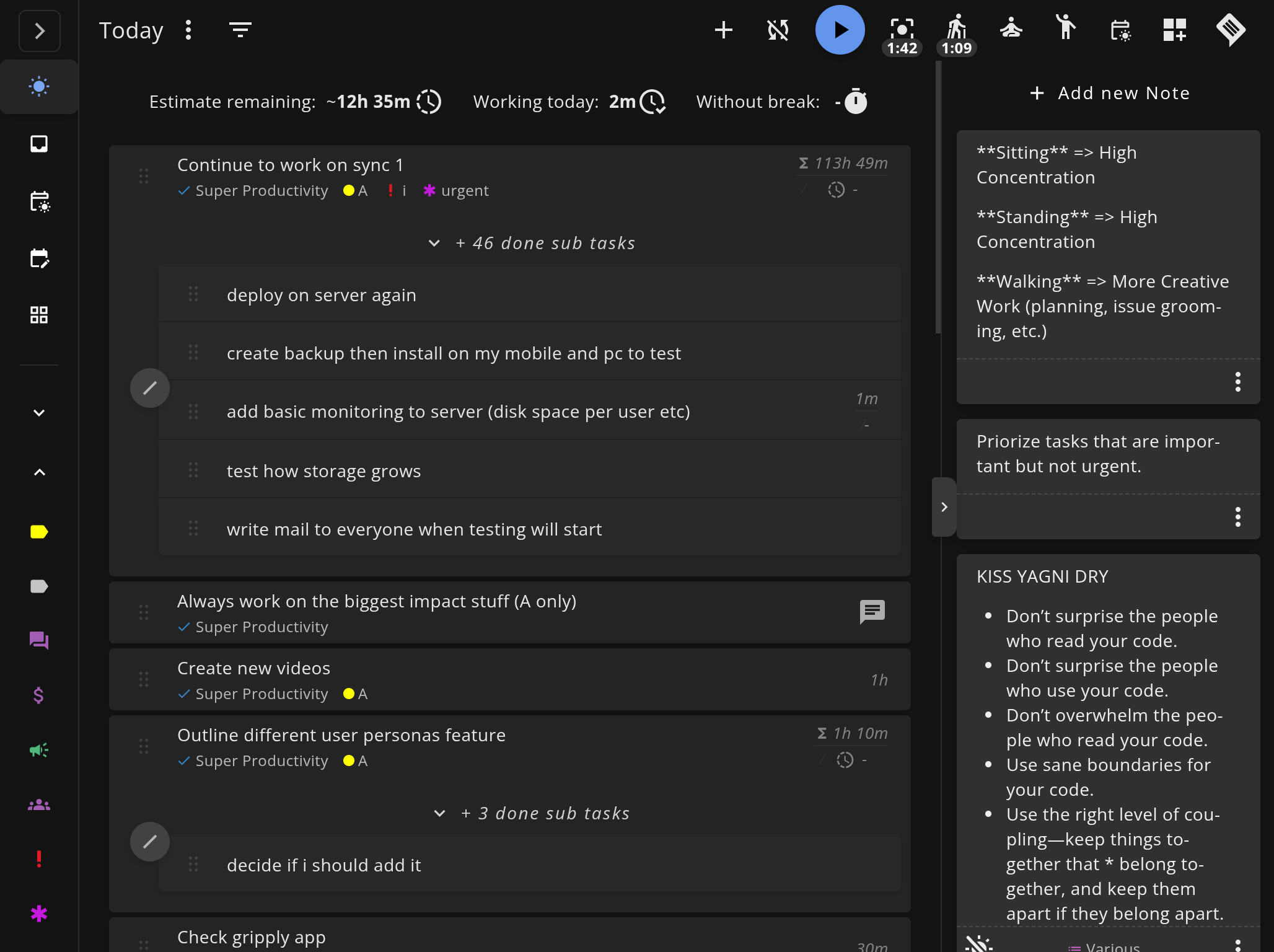
Both Vikunja and Super Productivity are free, open-source task managers — but they’re built for different workflows. Vikunja is a self-hosted, server-based task manager with built-in team features. Super Productivity is a local-first desktop app focused on deep work, time tracking, developer integrations, REST API/plugin extensibility, and MCP plugins.
This comparison helps you decide which fits your needs based on architecture, features, and intended use case. For a broader look at open-source productivity tools, see our Open-Source Productivity Apps Comparison.
TL;DR: Which one fits your workflow?
Vikunja: Best if you want a self-hosted open-source task manager with team features, shared lists, and a web-based interface.
Super Productivity: Best if you’re an individual developer who needs time tracking, Jira/GitHub integration, API/plugin extension points, and offline-first privacy.
Privacy & open-source verdict
Who owns your data?
| Criterion | Super Productivity | Vikunja |
|---|---|---|
| Open source | Yes – MIT license | Yes – AGPL-3.0 |
| Local-first storage | Yes – data on your device | No – requires a server (self-hosted or cloud) |
| Telemetry | None | None (self-hosted) |
| User-managed E2EE | BYO encryption via sync provider | You control the server (full ownership) |
| Self-hosted / BYO sync | Yes – WebDAV, Dropbox, or local file | Yes – Docker/binary self-host |
Verify yourself: source code · privacy policy · code signing
Architecture: Server vs Local
The fundamental difference between these tools is where your data lives.
Vikunja runs as a server application (Go backend + Vue.js frontend). You deploy it on your own infrastructure (Docker, bare metal, or a managed hosting provider), and users access it through a web browser or mobile app. Data is stored in a database (SQLite, MySQL, or PostgreSQL) on your server.
Super Productivity is a desktop application (Electron + Angular) that stores all data locally on your device. There is no server component required. If you want sync, you can optionally use WebDAV, Dropbox, Super Sync, or local file sync — but the app works fully offline by default.
| Aspect | Vikunja | Super Productivity |
|---|---|---|
| Architecture | Self-hosted server (Go + Vue.js) | Local-first desktop app (Electron) |
| Data storage | Server database (SQLite/MySQL/PostgreSQL) | Local device (IndexedDB) |
| Multi-user | Yes — built-in team features | No — personal task manager |
| Offline support | Limited (requires server connection) | Full offline support |
| Mobile | Flutter-based mobile app (alpha) + PWA | Native Android + iOS apps |
| Sync | Built-in (server is the sync point) | Optional (WebDAV, Dropbox, Super Sync, local file sync) |
Feature Comparison
Task Management
Both tools handle basic task management well — lists, due dates, priorities, labels. Vikunja adds team-oriented features: shared namespaces, assignees, comments, and permissions. Super Productivity focuses on individual productivity: an Eisenhower Matrix view, backlog/sprint organization, and a “Today” planning view.
Time Tracking
Super Productivity has built-in time tracking — start a timer on any task, see daily/weekly summaries, and export time data as CSV. This is a core feature, not an add-on.
Vikunja does not include time tracking in its free tier. Vikunja Pro (a paid subscription) adds time tracking.
Developer Integrations
Super Productivity integrates natively with Jira, GitHub, GitLab, and Gitea. Synced issues appear in your task list alongside personal tasks. Time tracked against issues is attributed automatically. It also exposes a REST API, plugin system, automations plugin, and MCP plugins for local-first workflows that do not need a shared server.
Vikunja has API integrations and a CalDAV interface, but no native issue tracker integrations. You can connect it to other tools via its REST API or third-party automation.
Privacy and Data Control
Both tools are strong here — both are open source and can be self-hosted. The difference is the default posture:
- Vikunja requires a server, which means your data is on a machine you manage (good) but accessible over the network (requires security hardening).
- Super Productivity stores data locally with no network exposure by default. Sync is opt-in and routed through the provider you choose (WebDAV, Dropbox, Super Sync, or local file sync).
Deep Work Features
Super Productivity includes a Pomodoro timer, focus mode (blocks distractions), idle detection, and timeboxing. These are first-class features designed to protect deep work sessions.
Vikunja is a task organizer, not a focus tool. It doesn’t include timers, focus modes, or deep work features.
Feature Comparison Table
| Feature | Vikunja | Super Productivity |
|---|---|---|
| Price | Free (open source) | Free (open source) |
| License | AGPL-3.0 | MIT |
| Task lists and projects | Yes | Yes |
| Kanban boards | Yes | Yes |
| Shared lists / team features | Yes | No (personal only) |
| Time tracking | Pro only (paid) | Yes (built-in) |
| Jira integration | No | Yes |
| GitHub/GitLab integration | No | Yes |
| CalDAV support | Yes | Yes |
| Pomodoro timer | No | Yes |
| Focus mode | No | Yes |
| Eisenhower Matrix | No | Yes |
| Offline support | Limited | Full |
| Self-hosted | Yes (required) | Optional |
| Mobile app | Flutter-based (alpha) + PWA | Native Android + iOS |
| API / extensibility | REST API | REST API, plugins, automations, MCP plugins |
When to Choose Vikunja
- You need shared task lists for a team or household
- You want a self-hosted open-source task manager with a familiar web UI
- You prefer a server-based architecture where data syncs automatically across devices
- You don’t need time tracking at the free tier (or are happy to pay for Vikunja Pro), and don’t need developer integrations built in
When to Choose Super Productivity
- You’re an individual developer who needs personal task management
- You need Jira, GitHub, or GitLab integration in your task manager
- You want REST API, plugin, automation, or MCP extension points without running a team task server
- Time tracking is essential for billing, sprint reviews, or self-improvement
- You want offline-first privacy with no server required
- You value deep work features (Pomodoro, focus mode, timeboxing)
Can You Use Both?
Yes. Some developers use Vikunja for team/household task management and Super Productivity for their personal engineering workflow. The tools don’t overlap much — Vikunja handles shared collaboration, Super Productivity handles individual focus and developer-specific integrations.
Ready to try the local-first developer alternative?
Super Productivity skips the server entirely — all data stays on your device, with optional sync through the provider you choose.
- Download Super Productivity for Windows, macOS, Linux, Android, or iOS.
- Explore the Developer Productivity Guide to set up your first project.
- Compare more tools in our Comparison Hub.
Related Comparisons
Related resources
Keep exploring the topic
Developer Productivity Hub
Templates, focus rituals, and automation ideas for shipping features without burning out.
Read more7 Best To-Do Apps for Developers (2026 Comparison)
A practical comparison of Super Productivity, Obsidian, Taskwarrior, Linear, Todoist, Trello, and other developer-focused to-do apps with issue integrations, APIs, and workflows that matter.
Read moreBest Todoist Alternatives for Developers in 2026
A developer-focused comparison of Todoist alternatives. We evaluate 7 task managers on keyboard shortcuts, Git integration, APIs, local-first options, Markdown support, and more.
Read moreStay in flow with Super Productivity
Plan deep work sessions, track time effortlessly, and manage every issue with the open-source task manager built for focus. Concerned about data ownership? Read about our privacy-first approach.

About the Author
Johannes is the creator of Super Productivity. As a developer himself, he built the tool he needed to manage complex projects and maintain flow state. He writes about productivity, open source, and developer wellbeing.